Network maps
Network maps for design mode and live NOC mode
Build visual topology with drag-and-drop devices, icon styles, status filters, design tools, live view, zoom controls, and saved network designs.
What you get
What this ZenPlus module gives your operations team
Purpose-built workflows that map to how operators actually work — not a placeholder surface, but a real, documented part of the ZenPlus console.
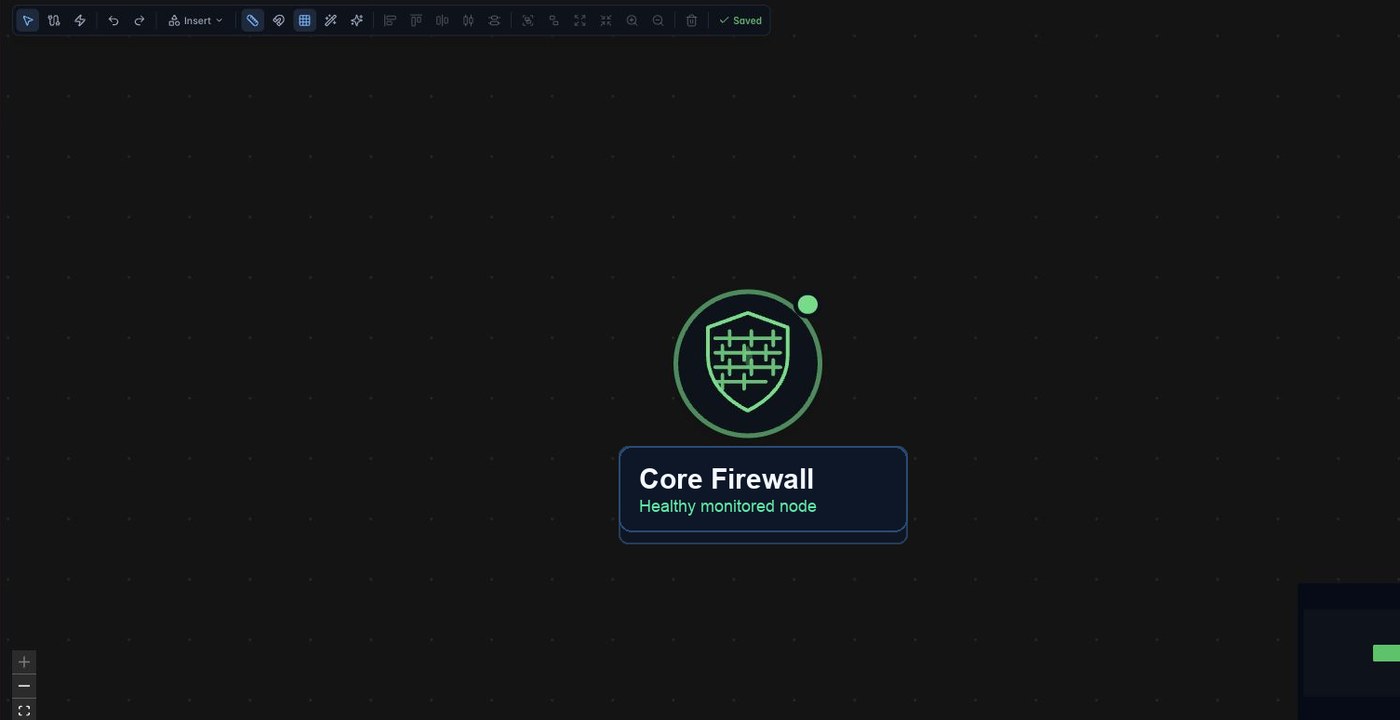
- Manual Maps page with New design, Duplicate, Design, Live, and Insert tools
- Device palette with status filters and icon styles for routers, firewalls, switches, servers, and more
- Canvas tools for selection, links, zoom, alignment, grouping, delete, and saved state
- Status-aware map nodes that connect visual topology to monitoring health
Live-system proof
- Captured the Network Studio Manual Maps page and sanitized the published visual to remove private device identity.
Capabilities
Everything in Network maps, organized the way you operate
Each group below is a working area of the module — from day-one setup to deep operational drill-downs.
Map studio workflow
- Place monitored devices on the canvas from the device palette
- Create visual relationships with links and layout tools
- Switch between design and live views for operations handoff
- Use status filters to focus the map on degraded or down components
NOC outcome
- Give first-line operators a visual view of critical sites and dependencies
- Create executive-friendly topology views without leaving the monitoring platform
- Use maps as an anchor for agentic incident investigation workflows
Continue exploring
The ZenPlus module menu
Each page below maps to a real product surface in the unified ZenPlus console.
Network Monitoring
Devices, availability, services, link utilization, discovery, and interface health.
ExploreSNMP Network Monitoring
SNMPv2c/v3 polling, interface metrics, per-device licensing, and on-prem credentials.
ExploreNetFlow Analytics
Top talkers, endpoints, protocols, QoS, traffic throughput, and flow incidents.
ExploreServer Monitoring
Inventory, agent fleet, collection policies, resource pressure, and software baselines.
ExploreApplication Performance
OpenTelemetry services, service maps, grouped errors, traces, and ingest keys.
ExploreNetwork Maps
Network Studio, manual maps, design mode, live mode, and topology context.
ExploreAlerting
Alert Center, alert rules, traps, channels, gateways, and incident routing.
ExploreConfiguration & NCM
Config backup, connection profiles, SNMP credentials, Windows credentials, and MIBs.
ExploreReports
Executive dashboards, availability trends, top issues, outages, and export workflows.
ExploreNext step
See Network maps in a live ZenPlus demo.
Review the product screens, module workflow, deployment model, and NOC use cases with the Zentryc team.