ZenPlus network monitoring software

On-premises network monitoring software for an AI-ready NOC.

Monitor network devices, interfaces, services, servers, NetFlow traffic, applications, configurations, alerts, and reports in one customer-controlled platform — with structured, agentic-ready operations from day one.

Live refresh On-premises control Agentic-ready workflows
zenplus · operations
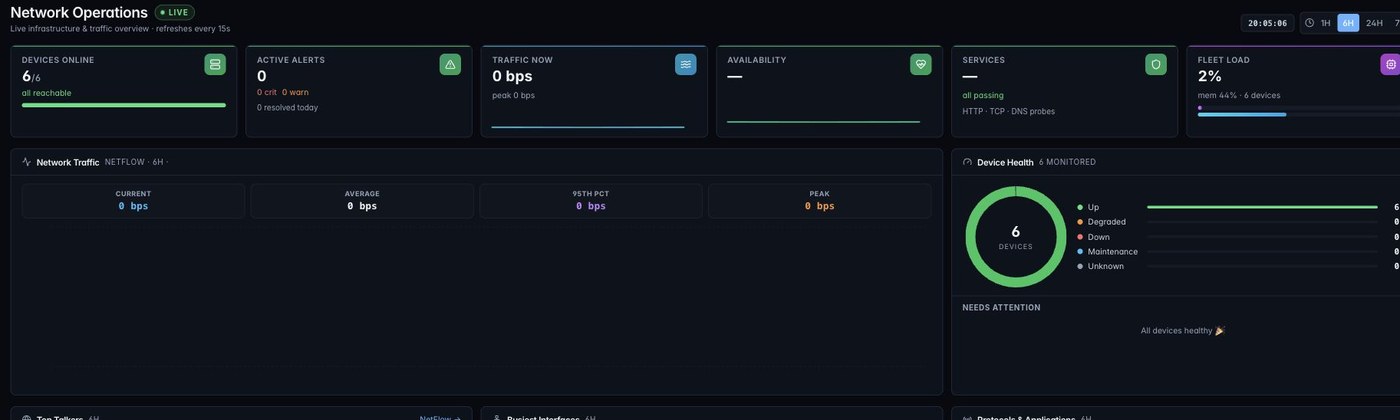
ZenPlus operations dashboard showing devices online, active alerts, live traffic, availability, and fleet health
Live ZenPlus operations dashboard, sanitized for public display.

Direct answer

What is on-premises network monitoring software?

On-premises network monitoring software runs inside the customer environment and continuously tracks the availability, health, performance, traffic, and configuration state of network infrastructure while keeping operational telemetry and credentials under customer control.

ZenPlus combines that network view with server monitoring, NetFlow analytics, OpenTelemetry application performance monitoring, maps, alerting, configuration backup, and reporting so operators can follow an incident without moving between disconnected products.

Core monitoring questions

A useful platform should answer:

  • Which devices, links, services, or sites are unavailable?
  • Where are utilization, latency, packet loss, or errors changing?
  • Which endpoints, applications, and protocols are driving traffic?
  • What changed in configuration, topology, or alert state?
  • What evidence should the operator investigate next?

Continuous infrastructure health

Use discovery, device and interface monitoring, availability timelines, service probes, latency, packet loss, and status filters to see current and historical health.

Traffic and dependency context

Connect NetFlow conversations, top talkers, protocols, QoS, application traces, service maps, and topology so a symptom has operational context.

Customer-controlled operations

Keep the appliance, telemetry, credentials, alerts, configuration history, reports, and AI investigation context inside the customer environment.

32
Live product paths evaluated
8
Core operations modules
20K+
Alerts handled in the evaluated system
47M+
NetFlow records observed

Why it is next generation

Observability, action, and AI context in one place.

Older tools often split NPM, NetFlow, NCM, server agents, APM, maps, alerts, and reporting into separate experiences. ZenPlus brings them together with a modern NOC interface and structured actions, ready for human operators and AI agents alike.

  • One console for devices, services, servers, applications, topology, incidents, config backup, and reports.
  • Live pages, consistent time windows, fast filters, and clean drill-downs reduce mean time to understand.
  • On-premises deployment keeps telemetry, credentials, and operational evidence under customer control.
  • Agentic-ready context makes AI useful for summaries, correlation, probable cause, and next-action suggestions.

Explore AI-ready NOC workflows

zenplus · device-health
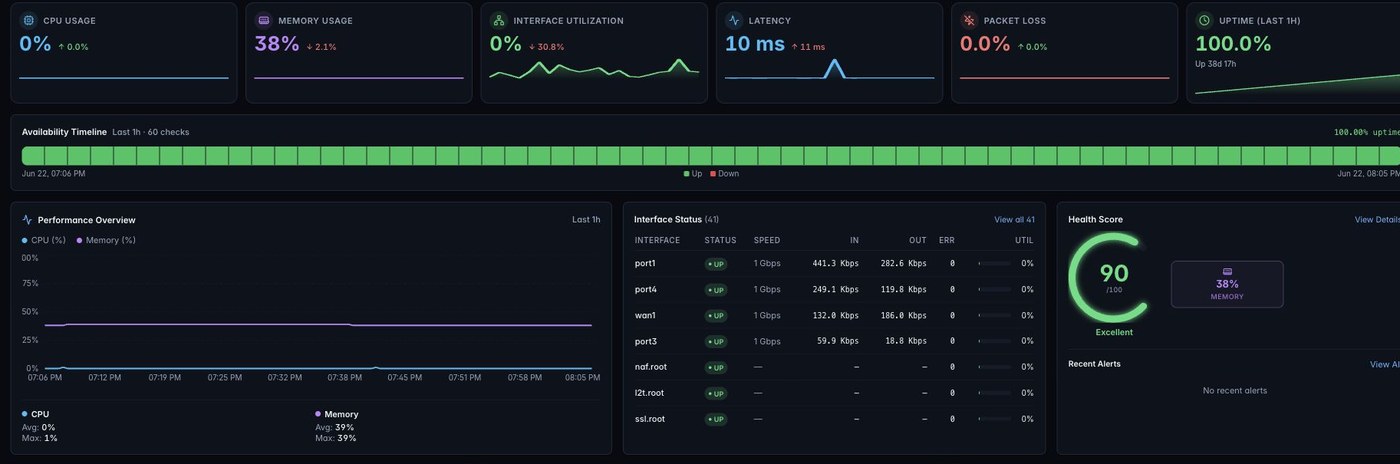
ZenPlus device health screen with performance overview, interface status, availability timeline, and health score
Real ZenPlus device drill-down, cropped to protect internal identifiers.

Live UI proof

Dark and light screens for real NOC environments.

The evaluated system supports both dark and light modes. Dark mode suits operations rooms; light mode works well for documentation, audits, demos, and executive review.

zenplus · operations (dark)
ZenPlus dark mode operations dashboard with device, alert, traffic, and availability panels
Dark mode operations dashboard.
zenplus · operations (light)
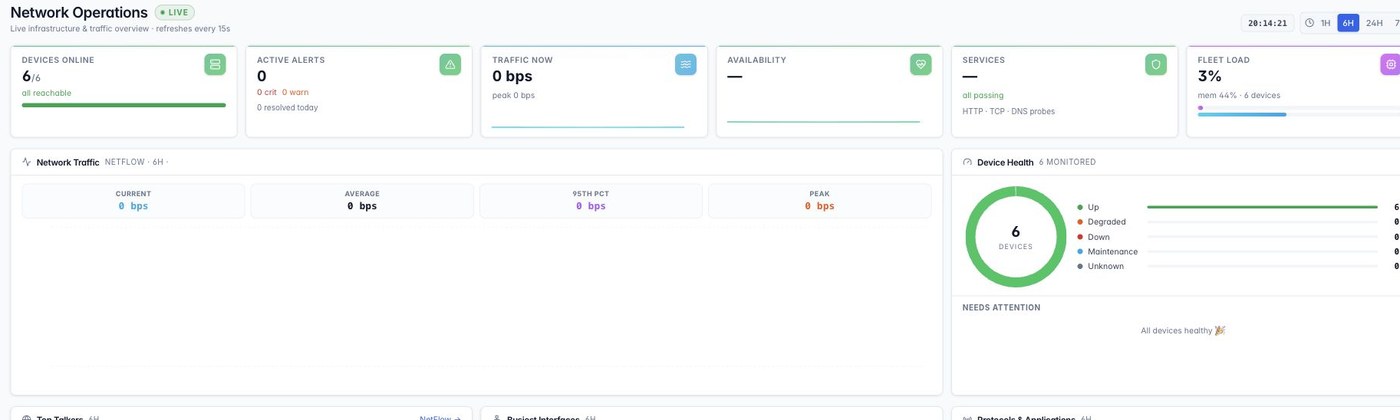
ZenPlus light mode operations dashboard with device, alert, traffic, and availability panels
Light mode operations dashboard.
zenplus · netflow
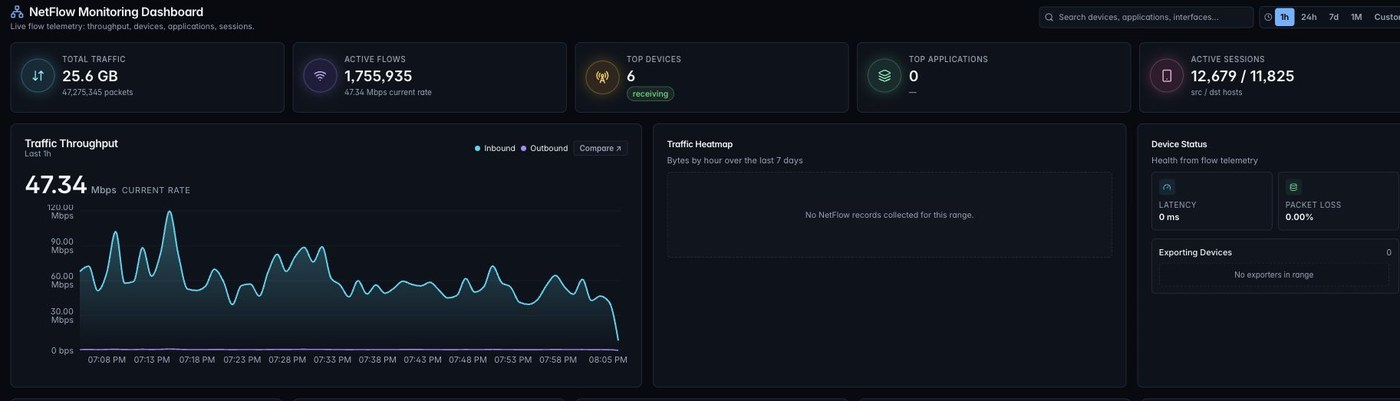
ZenPlus NetFlow traffic analytics dashboard with throughput, top talkers, protocols, and QoS classes
NetFlow traffic analytics.
zenplus · map-studio
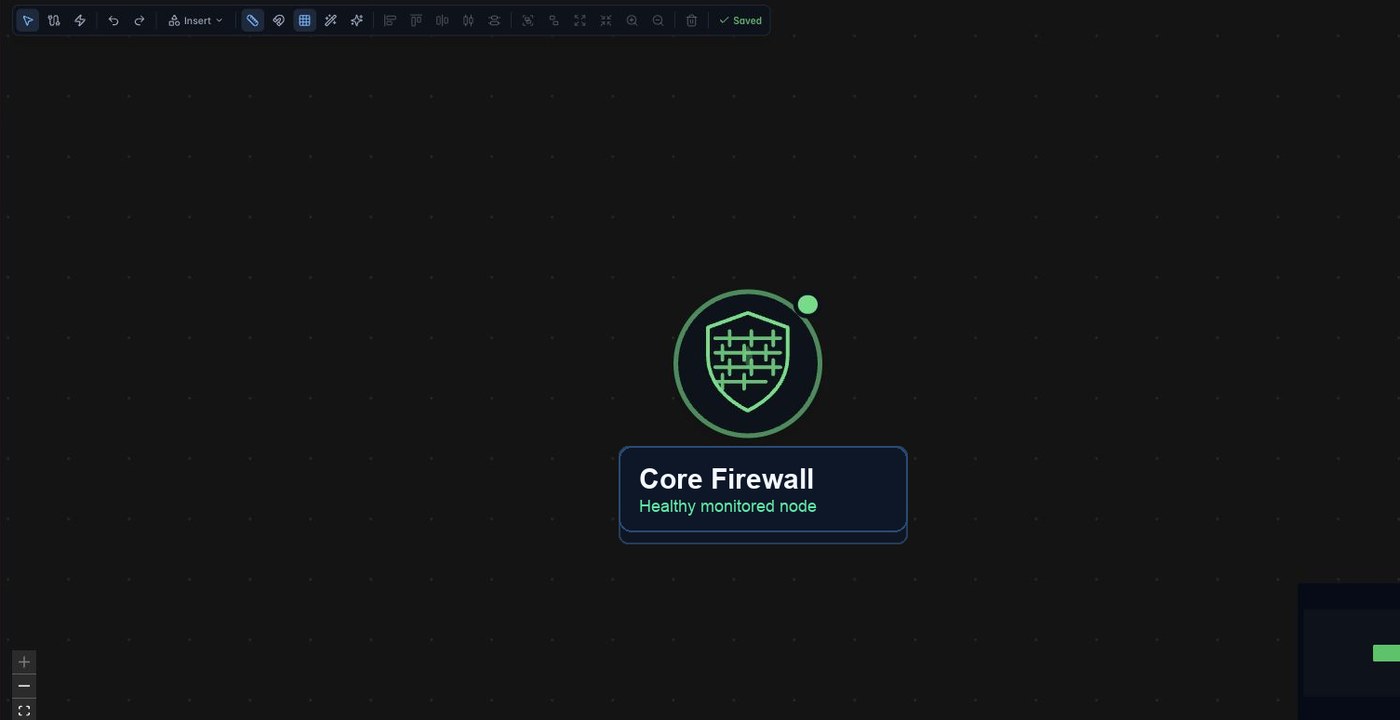
ZenPlus Network Studio topology map canvas with linked devices and live status
Network Studio map canvas.

ZenPlus security & hardening

Protection at every layer.

Explore how ZenPlus protects credentials, verifies connections, governs access and delivers signed software updates.

Explore ZenPlus security

BUILT-IN SECURITY CONTROLS

AES-256-GCMCredential encryption
Verified TLSProtected connections
Role-based accessControlled administration
Signed updatesSoftware integrity

Built to replace tool sprawl

A modern alternative, not another dashboard.

ZenPlus stands in for SolarWinds, ManageEngine, Zabbix, LibreNMS, PRTG, Nagios, and cloud-first monitoring tools by combining monitoring depth with speed, security, UI/UX, and AI-ready operations.

Speed

Move from dashboard to device, interface, flow, alert, NCM, and report context with fewer clicks and consistent time windows.

Security

On-premises deployment, reusable credential profiles, and customer-controlled SMTP/SMS gateways keep operational data governed.

UI/UX

Dense modern screens, dark and light modes, clear module menus, fast filters, and operator-first layouts reduce NOC fatigue.

Rich features

Network monitoring, NetFlow, NCM, servers, agents, baselines, APM, maps, alerting, traps, channels, and reports ship together.

Feature depth

From first alert to final report, the story stays connected.

Operators can begin with a service issue, pivot to device health, verify interface utilization, inspect traffic, review alerts, run diagnostics, confirm config backup, and publish an executive report — without switching products.

Devices Availability Services NetFlow Discovery Servers Agents Policies Baselines APM Maps Alerts Rules Traps Channels NCM MIBs Reports
zenplus · channels
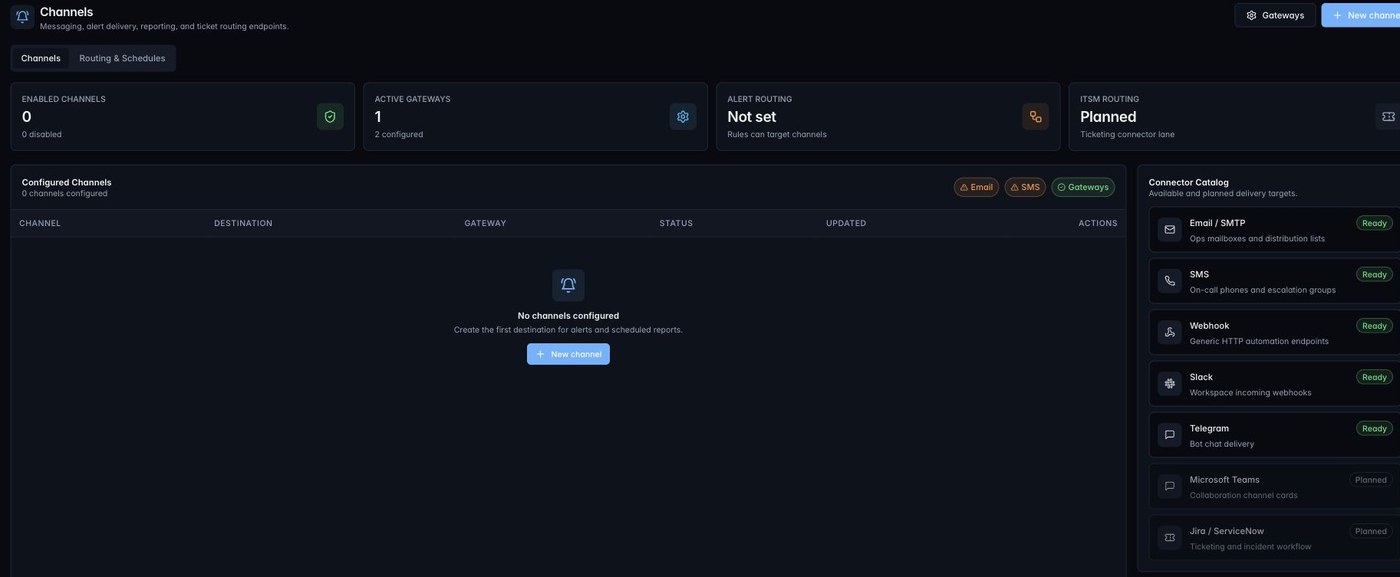
ZenPlus channels and routing screen showing alert connectors and gateway readiness
Alert routing, connector catalog, and gateway readiness.

Deployment

One command, one server, a full monitoring appliance.

ZenPlus installs on a fresh Ubuntu LTS server in a single step. The installer provisions the databases, poller, dashboard, web server and over-the-air updater, verifies that every component actually came up, and starts a 30-day trial with every feature unlocked — no cluster to design, no follow-up scripts.

Install on Ubuntu 20.04 / 22.04 / 24.04 LTS
$ curl -fsSL https://zentryc.com/install.sh | sudo bash
  • 16 verified steps, 8–15 minutes end to end
  • 30-day trial provisioned automatically — nothing gated
  • Idempotent — safe to re-run, keeps data and licences
  • Outbound HTTPS only; nothing calls in to the appliance

Common questions

On-premises network monitoring, answered clearly.

What is on-premises network monitoring software?

It runs inside the customer environment and continuously tracks infrastructure availability, health, performance, traffic, and configuration state while keeping telemetry and credentials under customer control.

What can ZenPlus monitor?

ZenPlus monitors network devices, interfaces, availability, services, servers, NetFlow traffic, OpenTelemetry application traces, topology maps, alerts, configuration backups, and operational reports.

How is on-premises monitoring different from cloud monitoring?

With on-premises monitoring, the appliance, telemetry, device credentials, logs, and investigation context remain in the customer environment instead of becoming a vendor-cloud dependency.

Which monitoring protocols and telemetry formats does ZenPlus support?

ZenPlus uses SNMP, ICMP, WMI and WinRM, SSH, NetFlow and IPFIX, OpenTelemetry OTLP, synthetic HTTP, TCP and DNS checks, and SNMP traps.

ZenPlus demo

Build a modern NOC around ZenPlus.

See the live product paths, review the module pages, and plan an on-premises monitoring deployment for network, server, application, and incident operations.