Platform & architecture
An on-premises operations platform, end to end.
Zentryc runs as a single appliance inside your network. Collection, storage, the operations console, and the optional AI layer all live on a host you control — kept current through a signed over-the-air update channel, never a pipe to a vendor cloud.
How it fits together
Six layers, one appliance you control.
From the host the stack runs on to the AI that reads your telemetry, every layer stays inside your environment. Here is how the platform is built.
On-prem appliance
A single VM or host on Ubuntu 22.04/24.04 runs the full stack inside your network — installed with a one-line installer and operated with the zenplus CLI.
Collection layer
A high-performance poller plus Windows/Linux agents gather SNMP, WMI, flow, trace, and ICMP telemetry close to the assets they monitor.
On-prem data plane
Metrics, flows, traces, configs, credentials, and reports are stored on the appliance you control. Nothing is shipped to a vendor cloud by default.
Operations console
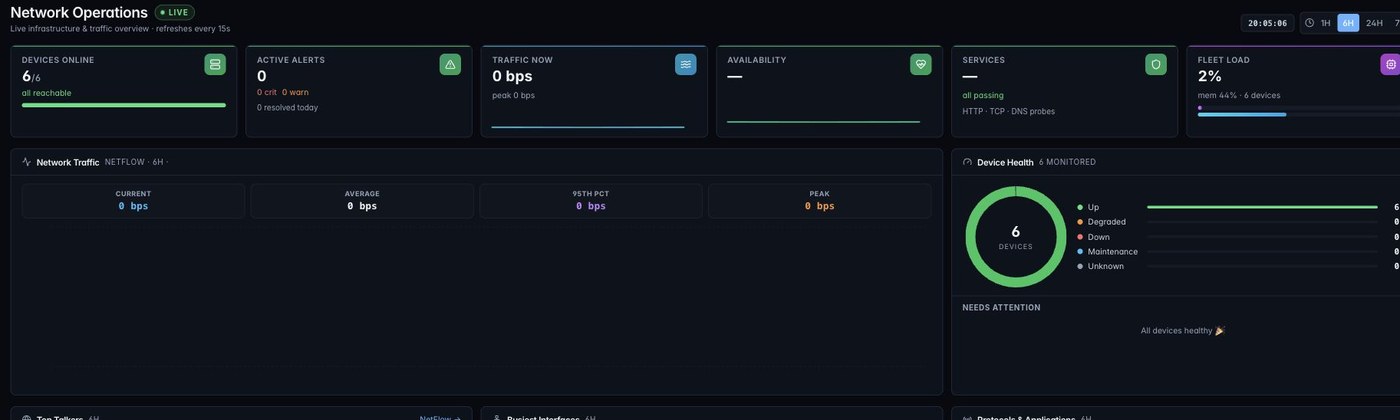
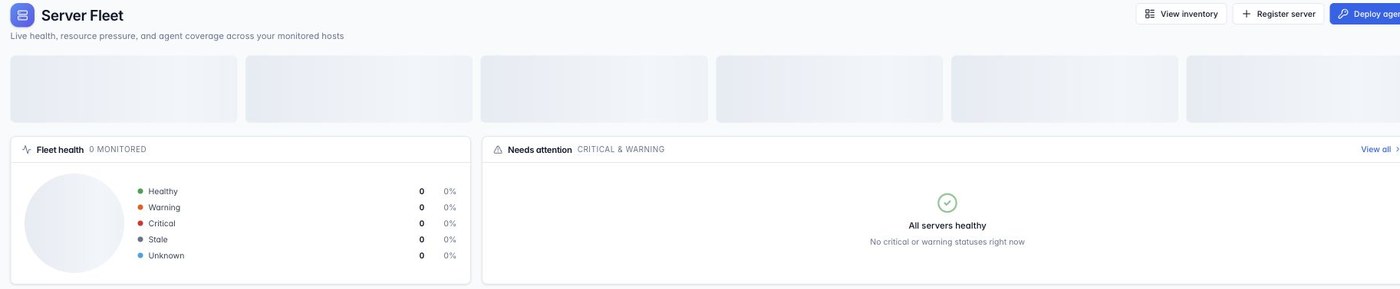
A unified web console exposes monitoring, servers, APM, maps, alerting, NCM, and reports with consistent navigation and time windows.
Signed OTA channel
Appliances check in for updates, download signed .zup packages, verify them, and report status — so production stays current without manual rebuilds.
AI layer (ZenAI)
Structured telemetry and explicit actions feed on-prem AI for summaries, correlation, and recommended next steps, keeping data inside the environment.
Deployment model
One host, one installer, signed updates.
Deploy the full stack as an appliance on a virtual machine or physical host. There is no required external dependency to operate, and no telemetry leaves your network by default.
- On-prem appliance. The whole platform runs on a single VM or host inside your environment.
- Ubuntu 22.04 / 24.04 LTS. Standard, supported Linux base — no exotic OS requirements.
- One-line installer. A single command provisions the stack; the
zenplusCLI handles day-two operations. - Signed OTA on check-in. Appliances pull signed
.zuppackages, verify them, and report status — production stays current without manual rebuilds.
Standards it speaks
Collects from the protocols your estate already runs.
The collection layer sits close to your assets and gathers telemetry over open, established standards — no proprietary agents required to get started.
Go deeper
The platform, two ways.
See exactly what Zentryc connects to, and how the appliance keeps your data and updates trustworthy.
Integrations
SNMP, WMI/WinRM, SSH, ICMP, NetFlow/IPFIX/sFlow, OTLP, SNMP traps, email/SMS, chat, webhooks, and ITSM connectors — the full catalog of what the collection layer ingests and where alerts route.
Browse integrationsSecurity & trust
Signed OTA packages, on-prem data sovereignty, role-based access, and audit trails — how the architecture keeps telemetry, credentials, and updates inside your control.
Review securityPlan a deployment
Bring the whole stack on-prem.
Walk through the architecture with our team, size an appliance for your estate, and follow the one-line installer from first boot to a production console.